Monthly
$14.99
per month
- 30,000+ Live TV Channels
- 80,000+ Movies & Series (VOD)
- 4K • Full HD • HD Quality
- Free Premium IPTV App Included
- Electronic Program Guide (EPG)
 Choose a plan
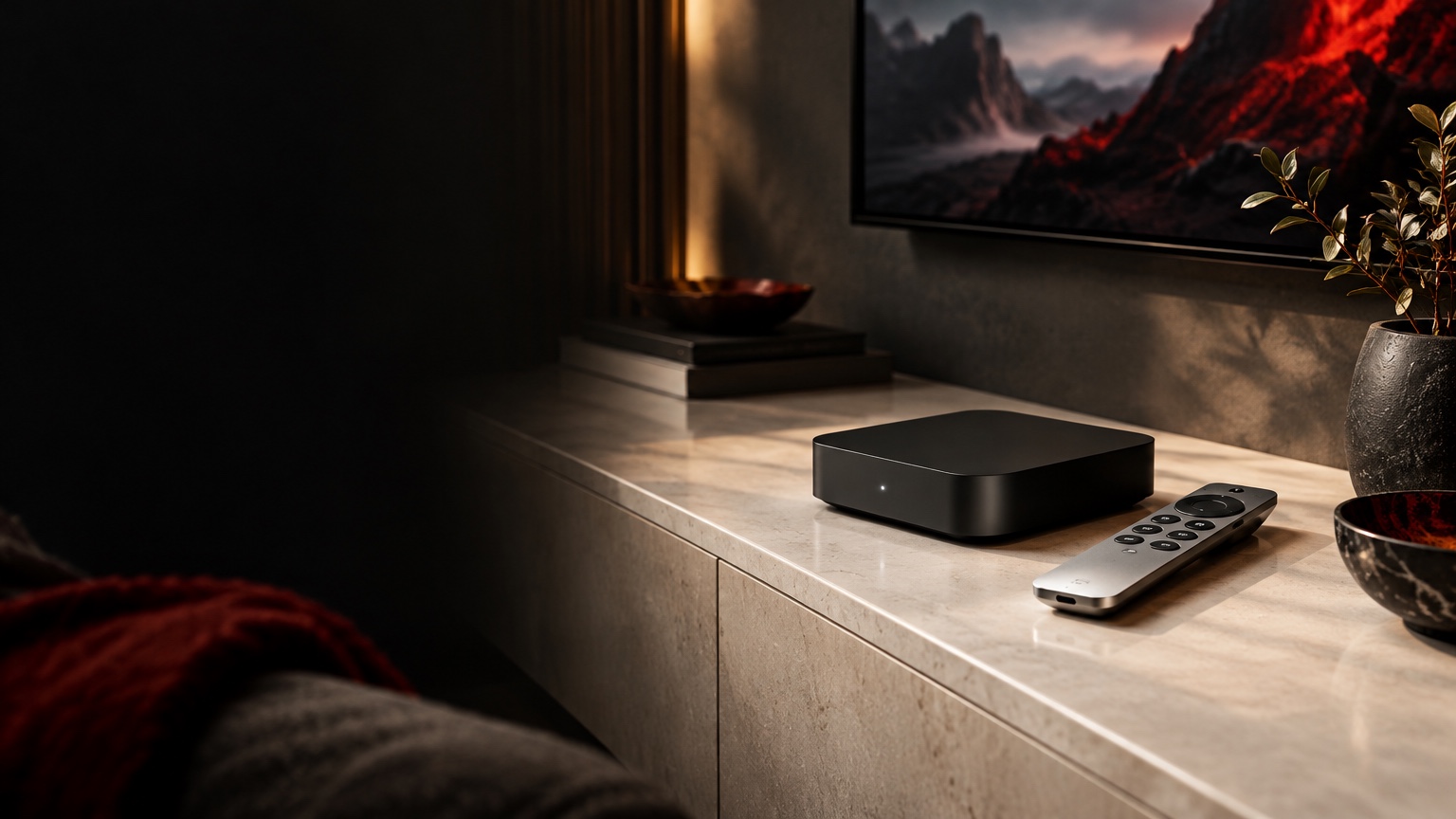








Explore IPTV for the Apple TV device with a suitable tvOS player and clear access instructions. The Apple TV hardware, the Apple TV app and a separate streaming subscription are different things, so begin with the equipment that will actually run your IPTV player.
per month
total · about $8.33/month
total · about $6.17/month
total · $3.75/month equivalent
Lowest monthly equivalent
Our team helps you activate your subscription step by step.
Detailed installation guides for all supported devices.
Fast assistance whenever you need help.
Quality depends on the source and setup. Confirm must-have content and the suitable app for your device. Review billing and renewal terms at checkout.
Confirm an app for tvOS rather than iOS
Check playback and audio settings
Do not assume every mobile feature is available
Record the Apple TV model and tvOS version, then check the appropriate player in the App Store for your region. Verify the publisher before installing. A guide for the Apple TV app on a smart television does not necessarily describe an Apple TV hardware setup. Name the device explicitly when asking about compatibility or activation.
An IPTV account is separate from other subscriptions associated with an Apple account. An installed player may also have its own licensing arrangement. Confirm how the included premium app offer applies to your chosen setup before paying for an unexpected prompt. Use the access details provided for your Xtreme IPTV order and keep them private.
Check the selected HDMI input, television picture and audio path before starting your first session. If sound passes through a receiver or soundbar, include that equipment when describing a problem. Use the picture-and-sound guide for presentation questions and the buffering guide for interruptions. Then choose a subscription period around the way you use the living-room screen.
Start here: Confirm an app for tvOS rather than iOS. Check playback and audio settings. Do not assume every mobile feature is available. Use the related guides below to check the next step for your setup.
Choose monthly billing at $14.99, 3 months for $24.99 total, 6 months for $36.99 total or 12 months for $44.99 total. Compare your expected viewing period and confirm the selected term before ordering.
Use the App Store on the Apple TV box and check that your chosen player supports tvOS. The Apple TV app built into some televisions is a separate product. Test playback and captions with the remote you normally use.
Find your Xtreme IPTV plan




